Introduction: The Rise of Instant AI Face Swapping
Whether you want to create viral memes, test new looks for digital avatars, create hilarious family group edits, or design scroll-stopping marketing visuals, free AI face swap technology has completely transformed what used to require hours of meticulous photo editing in Photoshop into an instantaneous, one-click experience.
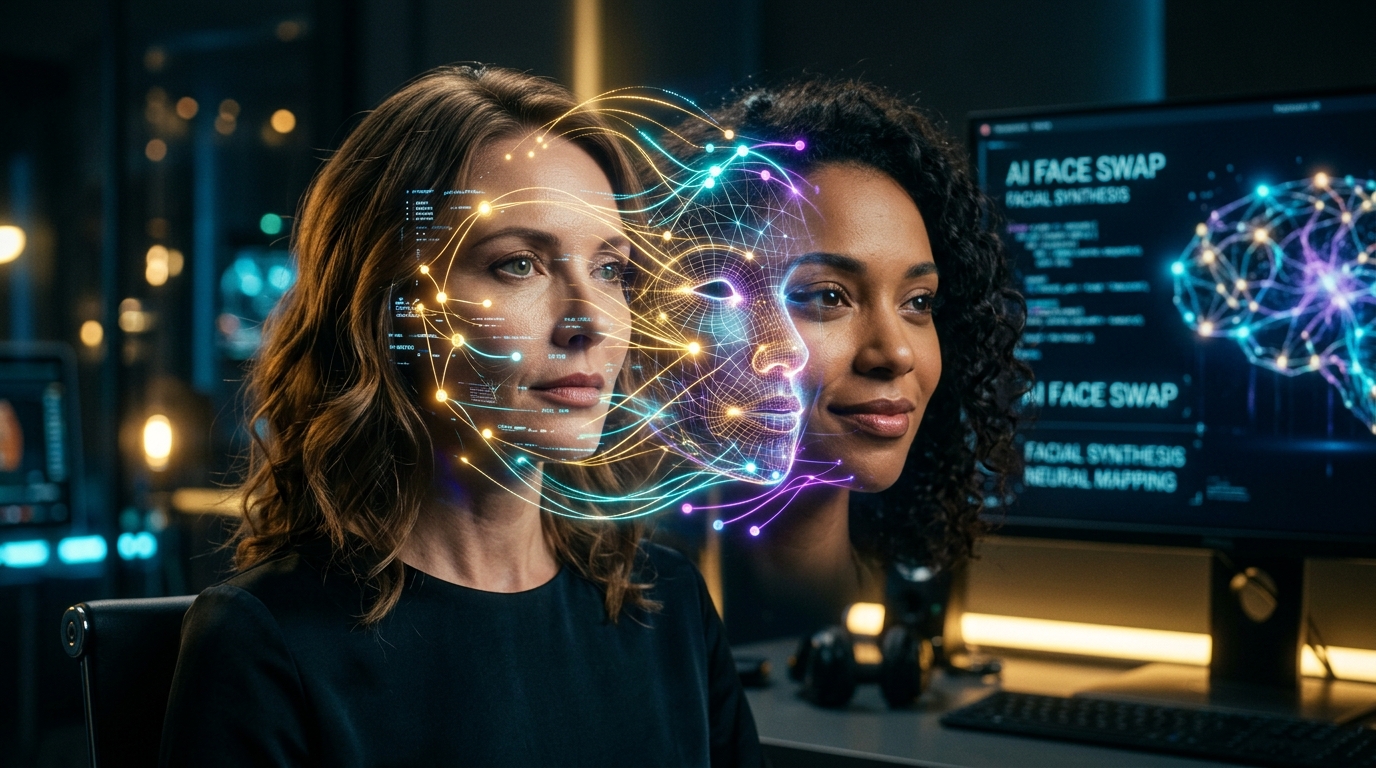
Only a few years ago, swapping faces believably meant manually cutting masks, feathering skin boundaries, hand-painting tone curves, and adjusting shadows. Today, next-generation machine learning and generative neural networks can analyze two completely different portraits, detect facial landmarks, align geometry, and synthesize skin textures with astonishing realism in seconds.
In this ultimate guide, you will learn exactly how modern AI face swapping works, how to get started right away using the FaceSwapper AI free online tool with no signup or download required, and proven pro tips to guarantee photorealistic, natural-looking results every single time.
How Does AI Face Swapping Actually Work?
Behind the magic of an instant face changer is a sophisticated multi-stage computer vision and deep learning pipeline. Here is what happens behind the scenes when you upload your photos:
- Facial Landmark Detection: High-precision recognition models locate over 68 to 106 key facial coordinate points—mapping eye corners, iris centers, nose contours, lips, jawline curves, and eyebrow arches.
- Identity Embedding Extraction: The algorithm extracts high-dimensional feature vectors (latent embeddings) capturing the unique structural identity of the source face while discarding background noise.
- Pose & Perspective Alignment: The AI mathematically aligns 3D head pitch, yaw, and roll so the swapped face naturally mirrors the angle and tilt of the target body.
- Skin Tone & Lighting Synthesis: Using Generative Adversarial Networks (GANs) and advanced color harmonization filters, the model matches illumination direction, ambient color casts, and grain texture so the face looks authentically part of the original photo.
- Seamless Boundary Blending: Poisson blending and edge-feathering prevent unnatural seams, preserving natural hairlines, neck shadows, and forehead boundaries.
"The best AI face swap is the one you can't detect. When skin texture, lighting temperature, and eye focus match the target shot, the result feels completely natural."
Step-by-Step: How to Swap Faces Online in Under 30 Seconds
With FaceSwapper AI, there are no complicated installation steps, subscription paywalls, or mandatory sign-up hurdles. Here is how you can perform a seamless swap right now:
- Step 1: Upload Your Target Photo (The Background): Navigate to the Swap Studio and upload the photo containing the body, outfit, or scene where you want the new face placed. Make sure the face in the target image is clearly visible.
- Step 2: Upload Your Source Face: Upload a clear, front-facing portrait of the face you wish to transpose onto the target. High-resolution selfies, portraits, or headshots work best.
- Step 3: Click 'Swap Face': The AI automatically processes both images, aligns the facial landmarks, matches the lighting, and generates your high-definition result in seconds.
- Step 4: Preview & Download: Inspect your completed swap in full resolution. When you are satisfied, download the image directly to your phone, tablet, or computer ready for sharing.
5 Pro Tips for Flawless, Photorealistic AI Face Swaps
While modern AI algorithms are remarkably powerful, the quality of your input photos directly determines the realism of your final render. Follow these five creator-tested tips for studio-grade results:
1. Match Lighting Angles and Direction
If the background target image has bright sunlight coming from the left, select a source face photo that is also lit from the left or evenly lit with soft studio light. Extreme lighting conflicts (such as strong backlighting paired with direct flash) can make even the most accurate swap feel subtly mismatched.
2. Choose Compatible Head Tilts & Angles
AI algorithms can adjust for moderate angles, but swapping a profile (side-view) face onto a direct front-facing target photo creates geometric distortion. For the cleanest results, aim for similar angles between both images (e.g., both 3/4 view or both front-facing).
3. Prioritize High-Resolution, In-Focus Images
Crisp source images give the neural network rich texture data—including pores, eye reflections, and eyelash detail. Blurry, low-resolution, or heavily compressed photos force the AI to interpolate missing details, resulting in softer outputs.
4. Keep the Facial Area Free of Obstructions
Ensure that sunglasses, heavy bangs covering the eyes, microphones, or hands touching the cheeks do not block the facial region on either photo. Clear visibility allows the facial landmark detector to map every millimeter with pinpoint precision.
5. Match Facial Expressions and Emotional Tone
A roaring laugh looks most natural when swapped onto a photo where the original subject was also laughing or smiling. If the target photo features a serious, dignified expression, pairing it with a neutral or calm portrait delivers a cohesive, believable look.
Creative Ways People Are Using AI Face Swapping
AI face swap technology has expanded far beyond simple novelty jokes. Today, millions of creators, digital artists, and professionals utilize face morphing tools for exciting, high-impact projects:
- Viral Memes & Trend Culture: Place yourself, friends, or pop culture icons into legendary movie scenes and trending memes for TikTok, Reddit, and Instagram.
- Costume & Cosplay Previews: See how you would look in complex historical garments, superhero suits, cyberpunk gear, or anime cosplay before buying or crafting costumes.
- Avatar & Profile Picture Design: Create unique, memorable profile pictures for Discord, YouTube channels, gaming platforms, and community forums.
- Digital Marketing & Creator UGC: Content creators and agile marketing teams test concept visuals, humor skits, and localized campaign imagery rapidly without booking costly reshoots.
- Personalized Family Greetings & Gifts: Surprise loved ones on birthdays, anniversaries, or holiday cards by superimposing them into memorable vintage snapshots or royal portraits.
Why Choose a No Sign-Up, Free Online Face Swapper?
Many online tools lure users in with promises of free editing only to hit them with credit card paywalls, mandatory account registrations, watermarks, or invasive software downloads. FaceSwapper AI was built to provide an entirely friction-free creative experience:
- 100% Free with No Hidden Paywalls: Enjoy unrestricted creative experimentation without surprise charges or watermarks ruining your final renders.
- No Account or Sign-Up Needed: Jump straight into creating without handing over your email address, phone number, or social logins.
- Strict Privacy & Data Protection: Uploaded images are processed securely and deleted automatically, ensuring your personal photos remain private.
- Full Cross-Device Compatibility: Works seamlessly in any web browser on iPhone, Android, iPad, Mac, and Windows PC without downloading bloated apps.
Frequently Asked Questions (FAQ)
Is AI face swapping completely free on FaceSwapper AI?
Yes! You can upload photos and swap faces directly on our platform for free with no subscriptions, credit cards, or hidden fees required.
Do I have to register or create an account to swap faces?
No registration is needed. You can visit the Swap page, upload your source and target images, and receive your swapped image immediately.
Are my uploaded photos stored on your servers?
No. We treat user privacy with the utmost seriousness. Uploaded images are processed through our temporary neural pipeline and automatically deleted to maintain your data privacy.
How long does the AI face swap process take?
Most face swaps take only 5 to 15 seconds, depending on the image resolution and current server processing queue.
What photo formats are supported?
FaceSwapper AI supports all standard image formats, including JPG, JPEG, PNG, and WebP.
Start Swapping Faces in Seconds
Ready to experience the power of modern AI face changing? Whether you are looking to create the next viral internet meme, test an imaginative digital persona, or just have fun with friends, start swapping now on FaceSwapper AI and watch your photos transform in seconds.